Workflow

Fast, clear, and creator-friendly.
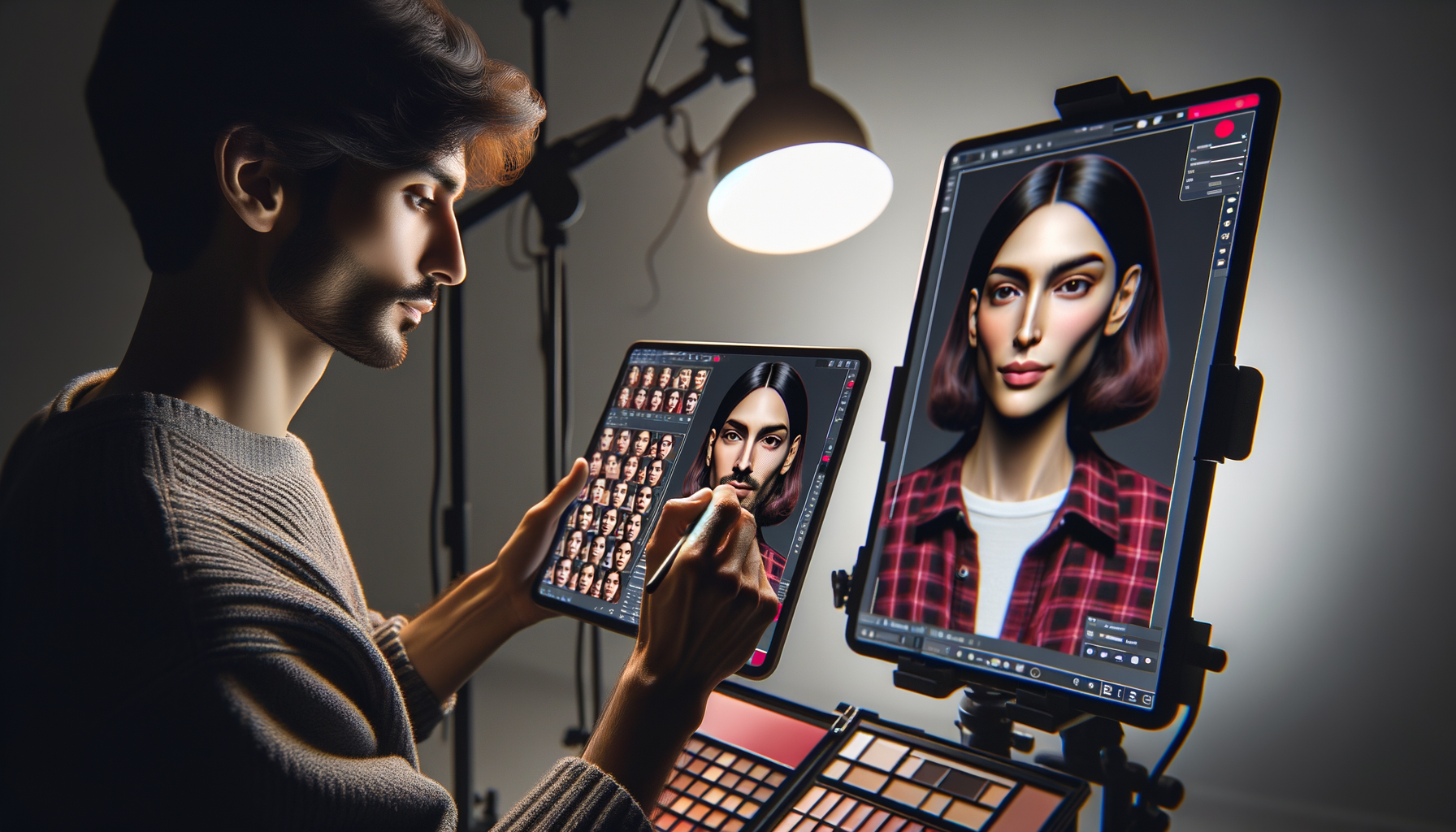
DeepNude streamlines every step of the face swap process so you can move from import to export with confidence.
01
Import source and target
Select a face source and your target photo or video. DeepNude detects landmarks instantly.
02
Refine the blend
Adjust edge falloff, tone match, and facial alignment for a seamless, natural merge.
03
Export in the right format
Pick from cinematic, social, or archival presets and export instantly.
Quality controls
See every refinement in real time.
DeepNude shows you side-by-side previews as you tweak each setting, so you never lose the original intent of your shot.
Download on the App Store